
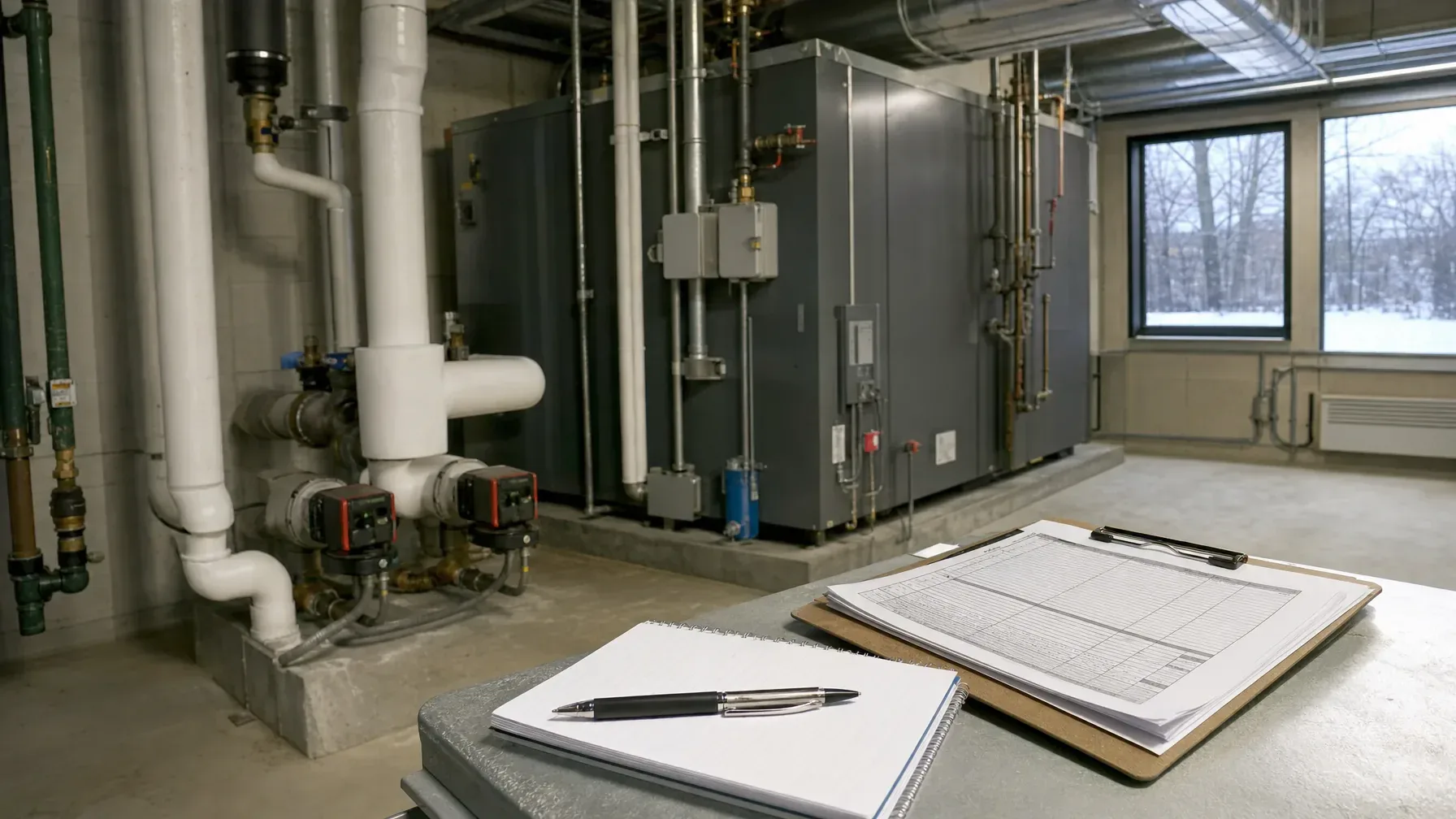
When an equipment-controls problem comes and goes, facility staff can provide a useful account without determining its cause. Record which equipment was involved, what people actually observed, when it happened and which records are available. Keep suspected explanations separate from those observations.
The goal is a clear report for the responsible site personnel, contractor or equipment supplier, not a troubleshooting exercise. Use the reusable observation log and handoff cover sheet below to organize what is already known and identify who can supply missing information.
Note Documentation must not delay the response to an unsafe condition. Follow site safety and reporting procedures. Do not open enclosures, remove covers, take electrical measurements, reproduce a fault, repeatedly reset equipment, bypass interlocks or attempt temporary hookups. This checklist does not authorize operation or restart.
Identify the person designated to receive the concern under your site's procedures. Record who received the initial notification and who is coordinating the report. If routing is unclear, raise that question through the site's reporting process rather than waiting until every field is complete.
Identify the equipment without inspecting electrical components
Use facility asset records, existing manuals and identification already available through normal, authorized access. Include the asset name or identifier, location, manufacturer and model when known. Mark missing details as unknown rather than approaching restricted areas or opening equipment to find them.
Identify the display, operator station or other interface where the concern was observed. Use the labels staff normally use, but explain local nicknames so an outside recipient can distinguish the equipment from nearby assets.
Describe the event, not a suspected electrical cause
- Time: Record the event date and time, whether the time is exact or approximate, and the source of that information. Distinguish the event time from the time the report was written.
- Operating context: Describe the normal task underway and the operating stage already known to the observer. Do not run another cycle or change settings to fill a gap.
- Observed behavior: State what changed, where it was noticed and the sequence the observer remembers. Record how long it was observed if known, without guessing.
- Displayed information: Copy the wording of messages and codes as observed. Preserve an existing authorized screenshot or photograph if available. Do not recreate the event or navigate restricted screens to obtain one.
- Source: Name the observer and distinguish their direct account from information relayed by someone else. Attribute separate accounts rather than merging uncertain details.
If a message disappeared before anyone recorded it, say that its wording was not captured. Neither statement establishes the cause or confirms that the concern has been resolved.
Keep equipment interactions separate from assumptions
List each affected asset or interface separately. If staff noticed changes on nearby equipment at about the same time, record those observations and their timing without asserting a shared cause. Where timing is uncertain, preserve that uncertainty.
An observed controls symptom does not by itself establish a building-power problem or a need for an upgrade. Likewise, physical proximity does not establish that machines share controls. Leave those relationships for the responsible professionals to assess.
Attach available records with their status intact
Gather existing manuals, prior issue reports, service correspondence and authorized event records already available through facility files. Include document titles or file names and available revision information. Mark records as current, historical or of uncertain accuracy, and note when a manual's applicability to the affected equipment is unconfirmed.
Link earlier reports rather than relying on a summary that the problem has happened before. Keep original records unchanged and put staff comments in the report. If retrieving additional records requires technical access, list the request for the responsible authorized person instead of attempting it.
Reusable observation log
Copy these fields into your site's reporting system. Create a separate entry for each already-observed event. Use “unknown,” “not observed” or “not recorded” where appropriate, rather than completing fields through testing.
- Equipment identity and location: Record the asset identifier, equipment name, manufacturer and model if known, and affected interface.
- Event timing: Enter the date and time, whether exact or approximate, the time source and the duration if known.
- Observer and report source: Record the observer's name and role, whether this is a direct observation or relayed account, and the report preparation time.
- Normal operating context: Describe the task underway and operating stage already known.
- Observed facts: Describe the behavior and sequence, quote exact displayed wording where captured, and state what was not captured.
- Other observed effects: Identify assets or interfaces separately and record the timing and limits of observation.
- Notifications and actions already taken: Record who was notified, when, and what was done under site procedures, without treating this as an instruction to repeat it.
- Staff interpretations, not confirmed findings: List suspected explanations with clear attribution, or state that none were supplied.
- Supporting records: List file names, prior report references, document status and known limitations.
- Unanswered questions: Identify missing information and the person responsible for obtaining or clarifying it.
Prepare a concise handoff cover sheet
Place a short summary ahead of the detailed log and attachments. Route it through the site's designated contact to the responsible contractor, equipment supplier or site personnel. Do not delay an initial report because supporting records are incomplete.
- Concern: Identify the affected equipment and briefly describe the observed behavior, without a diagnosis.
- Known status: Include the latest reported observation and its time, with any restrictions communicated by responsible site personnel.
- Report contacts: Name the report coordinator, intended recipient and staff who can clarify direct observations.
- Included material: List the observation entries, prior reports and available records.
- Pending information: List unresolved questions and name the person responsible for each.
- Requested next step: Request professional review and confirmation of who will address equipment-specific and electrical questions.
Discuss the electrical scope without assuming the outcome
Sartell Electrical's light-industrial electrical offering includes equipment controls, three-phase power and upgrades. From its Reading base, Sartell serves Greater Boston across Essex, Middlesex and Norfolk counties.
When contacting Sartell about an equipment-controls concern, share the concise account and available records so the scope and any need for equipment-supplier involvement can be discussed. The report supports that conversation; it does not establish a diagnosis, promise a repair outcome or authorize staff to restore operation.


