

Why Getting Home Office Wiring Right Matters From Day One
Home office wiring is the foundation your entire remote work setup depends on — from fast, stable internet to safe, reliable power for every device on your desk.
Quick answers for a home office wiring setup:
| What You Need | Recommended Standard |
|---|---|
| Ethernet cable type | Cat6 (Cat6A for long runs or 10 Gb/s) |
| Ethernet drops at desk | 2 minimum |
| Electrical circuit | Dedicated 20-amp circuit |
| Outlets at desk | 4–6 grounded outlets minimum |
| Surge protection | Whole-home suppressor + UPS unit |
| Cable standard | T568B, home-run to central patch panel |
| Lighting | LED + natural light where possible |
With 42% of Americans now working from home, the spare bedroom or converted study has become a real workplace — and most homes simply weren't built to handle it. Older wiring, undersized circuits, and a tangle of extension cords are among the most common problems people run into. The consequences range from annoying (dropped video calls, tripped breakers) to genuinely dangerous (overloaded circuits, fire risk from overloaded power strips).
Getting the wiring right from the start saves money, protects your equipment, and keeps your workday running without interruption.
I'm Ed Sartell, President of Sartell Electrical Services, and I've been helping Massachusetts homeowners get their home office wiring done safely and correctly since 1985. In this guide, I'll walk you through everything — from how many outlets and Ethernet drops you actually need, to when it makes sense to call a licensed electrician instead of doing it yourself.
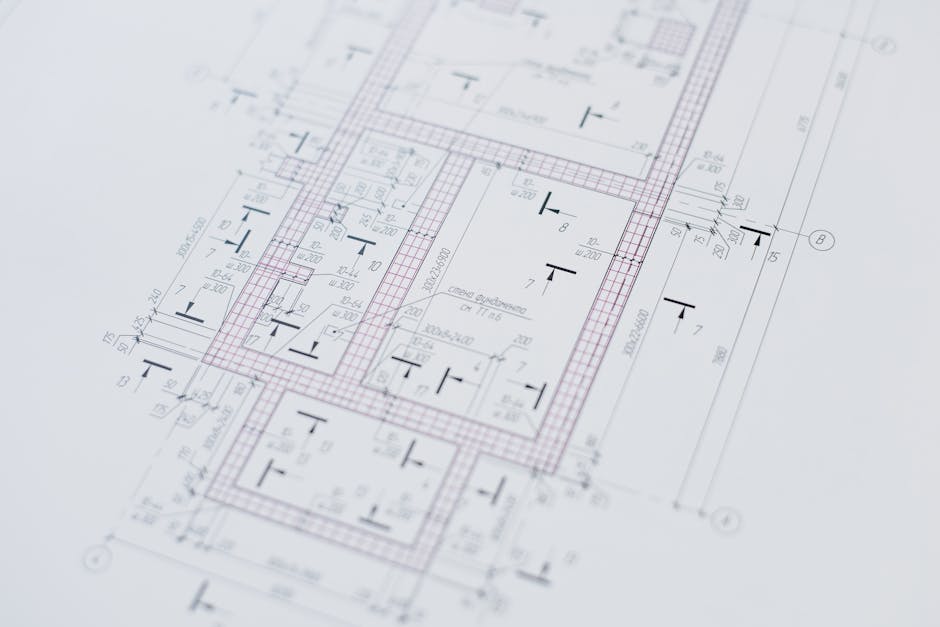
Planning Your Home Office Wiring Infrastructure
When we talk about home office wiring in May 2026, we aren't just talking about where to plug in a lamp. We are talking about a structured cabling plan that treats your home like a professional enterprise. The biggest mistake we see in Greater Boston homes is "reactive wiring"—adding a cord here or a Wi-Fi extender there only after a problem starts.
Instead, you want to map your devices before you ever open a wall. Start by sketching a floor plan. Where is the desk? Where is the printer? Do you have a secondary "zoom corner" for calls? Marking these locations allows us to plan for high-speed connectivity that doesn't rely on the whims of Wi-Fi.
The Hub-and-Spoke Topology
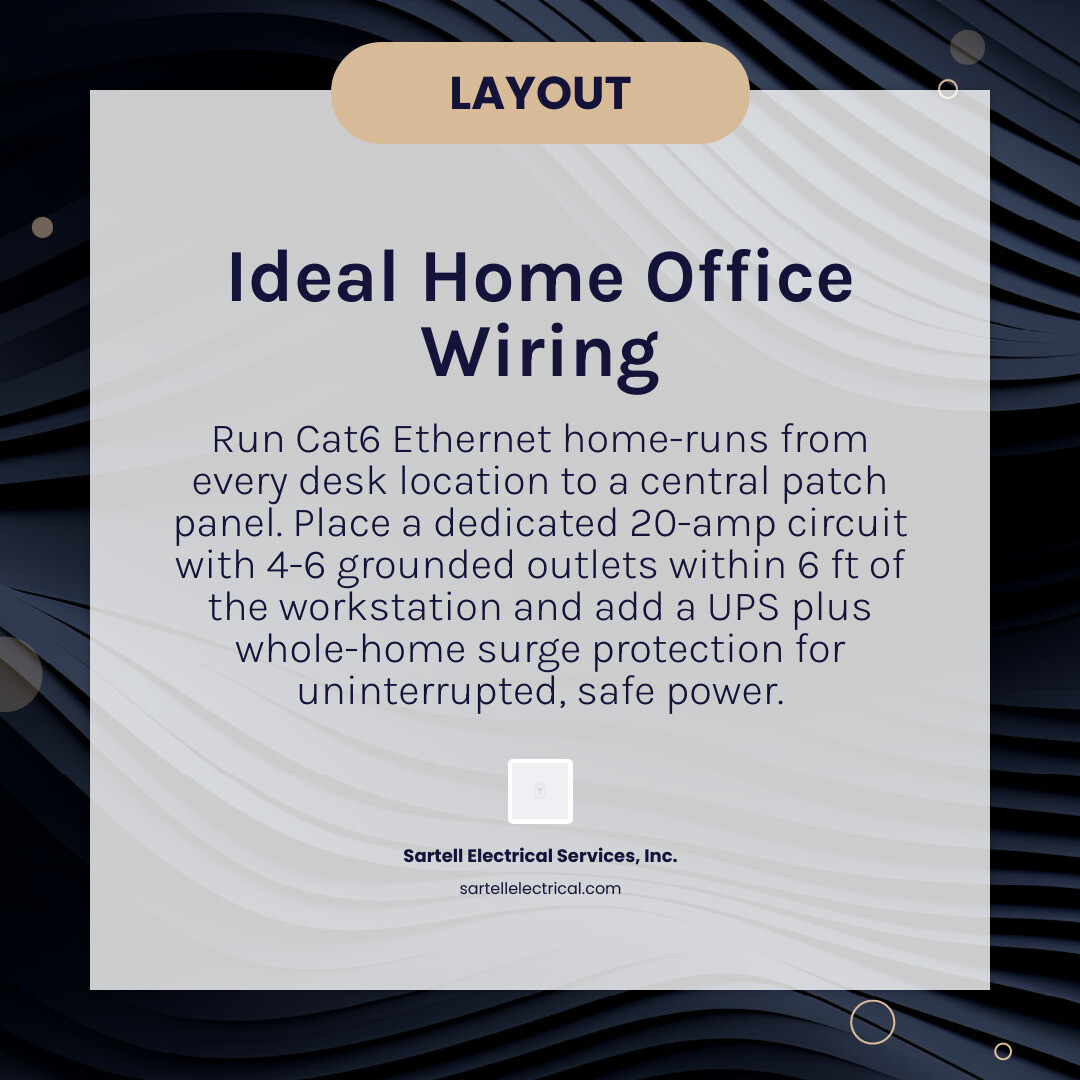
For a truly reliable network, we use a "home-run" or hub-and-spoke topology. This means every single Ethernet cable in your office runs directly back to a central network rack or patch panel. This centralizes your hardware, making it easier to manage and cool. We recommend leaving about 6 to 10 feet of "service slack" (extra cable) at both the wall and the rack. This ensures that if a jack needs to be re-terminated in the future, you aren't stuck with a cable that is too short to work with.
| Cable Type | Max Speed | Max Distance for Top Speed | Best Use Case |
|---|---|---|---|
| Cat5e | 1 Gbps | 100 Meters | Legacy systems; basic internet |
| Cat6 | 10 Gbps | 37–55 Meters | Standard 2026 home office |
| Cat6A | 10 Gbps | 100 Meters | Long runs; future-proofing; 10GBASE-T |
Essential Electrical Outlets and Ethernet Drops for Home Office Wiring
How many drops are enough? In our experience across Middlesex and Essex Counties, the "dual-drop strategy" is the gold standard. We recommend at least two Ethernet drops at the main desk. One handles your primary workstation or docking station, while the second is a "spare" for a VoIP phone, a network printer, or a dedicated gaming console if the office pulls double duty.
On the electrical side, don't skimp on outlets. A typical modern desk needs power for:
- Two or three monitors
- A laptop or desktop PC
- A desk lamp
- Phone and tablet chargers
- Powered speakers or a height-adjustable desk motor
Relying on a single wall outlet and a "daisy chain" of power strips is a fire hazard. We aim for 4 to 6 grounded outlets at the desk wall alone. If you're doing a full renovation, we often suggest a dedicated 20-amp circuit for the office to ensure your laser printer doesn't dim the lights every time you hit "print."
Choosing Between Cat6 and Cat6A for Modern Home Office Wiring Networks
In 2026, Cat6 is the practical default for most residential Home Network Wiring Guide (2026). It supports 10 Gbps speeds over distances found in most Massachusetts homes. However, if you are running cable through tight spots near electrical lines, Cat6A offers better shielding against "alien crosstalk" (interference from neighboring cables).
Cat6A is also the better choice for future-proofing if you plan on upgrading to multi-gig internet or using high-power PoE+ (Power over Ethernet) devices like high-end wireless access points or security cameras. When selecting keystones and wall plates, ensure they match the category of your cable to maintain the integrity of the connection. For more on the technical nitty-gritty of keystones, check out Building the Ideal Home Network: Cat6 Keystones, Wall Plates, and Patch Panels.
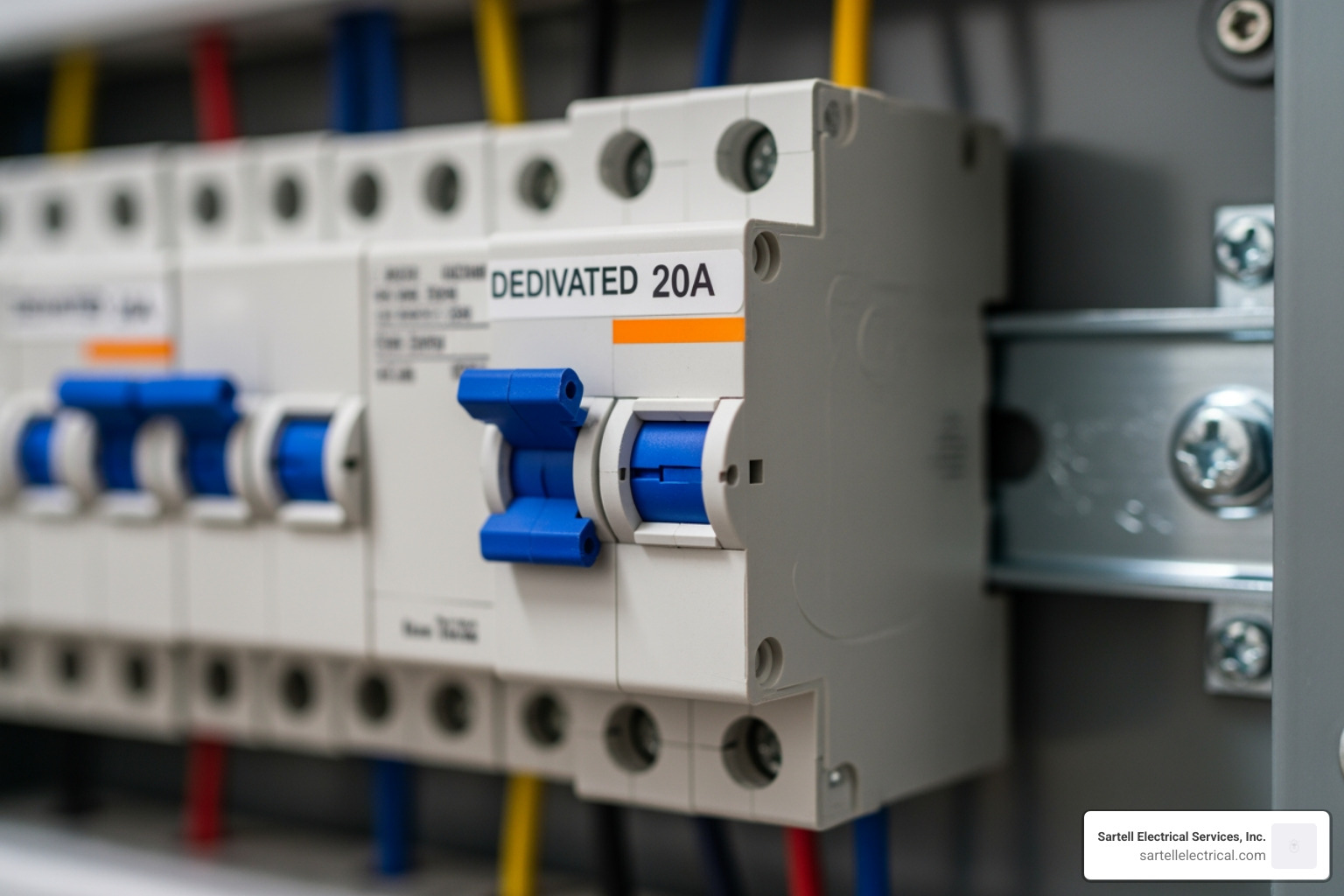
Power Quality and Safety: Dedicated Circuits and Surge Protection
One of the most frequent questions we get at Sartell Electrical Services is: "Do I really need a dedicated circuit?" The answer is almost always yes. A dedicated circuit means the power for your office isn't shared with the vacuum cleaner in the hallway or the microwave in the kitchen.
Why Circuit Isolation Matters
Computers and high-end monitors are sensitive to voltage fluctuations. When a high-draw appliance (like a refrigerator or a laser printer) kicks on, it can cause a momentary dip or surge in power. If your computer is on that same circuit, it can lead to data corruption or hardware fatigue over time. By installing a dedicated 20-amp circuit, we provide a "clean" lane of power that improves equipment performance and safety.
The Importance of Proper Grounding
In older homes in areas like Reading or Andover, we still find two-prong outlets. These lack a grounding wire, which is essential for protecting electronics. A common mistake is replacing a two-prong outlet with a three-prong one without actually connecting a ground wire. This creates a "false ground," giving you a sense of security while leaving your $3,000 workstation vulnerable to surges. Every outlet in your office must be properly grounded back to the main panel. You can learn more about this on our residential main panel wiring page.
Implementing Power Backup and Surge Suppression
Most people think a $15 power strip from a big-box store is a surge protector. In reality, many are just "taps" that provide more outlets without any real protection. Even "surge suppressors" have a limited lifespan; they absorb small hits until they eventually fail, often without warning.
For a professional home office wiring setup, we recommend a three-tiered approach:
- Whole-Home Surge Protection: Installed at your main electrical panel to stop large surges (like lightning or utility spikes) before they enter your home’s branches.
- Uninterruptible Power Supply (UPS): This is a battery backup for your PC and router. If the power flickers during a Nor'easter, the UPS gives you 15–20 minutes of runtime—enough to save your work and shut down safely.
- Point-of-Use Protectors: High-quality surge strips for peripherals like lamps and chargers.
Optimizing the Environment: Lighting, Ventilation, and Cable Management
A productive office isn't just about the wires you can't see; it's about how you manage the ones you can. "Cable spaghetti" isn't just an eyesore; it's a dust trap and a tripping hazard.
Cable Management Best Practices
- Routing Channels: Use desks with built-in channels or mount a J-channel under your desk to hold power bricks.
- Velcro over Zip Ties: Use Velcro fasteners to bundle cables. Unlike plastic zip ties, they won't pinch the delicate twisted pairs inside your Ethernet cables, and they are easy to adjust when you get a new gadget.
- Labeling: This is the most ignored step. Label both ends of every Ethernet run (e.g., "Office-Desk-1") and every power cord. It saves hours of frustration when you need to swap a device.
Lighting and Energy Efficiency
Lighting accounts for a significant portion of office energy use. Switching to LED bulbs can reduce your lighting power usage by 40% to 50%. Beyond the bill, the quality of light matters. We suggest a mix of:
- Natural Light: Position your desk near a window to reduce eyestrain, but be mindful of screen glare.
- Task Lighting: A dedicated desk lamp with adjustable color temperature helps focus during late-night sessions.
- Smart Lighting: Integrating smart switches allows you to automate your "workday" lights, helping with work-life separation.
Ventilation and Temperature Control
Electronic equipment generates heat. If you have a small closet acting as a "server room" for your rack, it needs ventilation. Without proper air circulation, your router and switches will throttle their speeds or fail prematurely. In some Greater Boston retrofits, we install small, quiet exhaust fans to keep these hubs cool.
Professional Installation vs. DIY: Costs and Compliance in 2026
Can you wire a home office yourself? If you’re just running a patch cord along a baseboard, sure. But if you’re pulling cable through walls or adding circuits, the DIY route gets risky quickly.
The Real Cost of Installation
In 2026, professional Ethernet installation typically ranges from $150 to $300 per drop for straightforward runs. However, if you live in a historic home in Salem or Newton with plaster walls, stone foundations, or tight fire-blocking, costs can rise to $250 to $450+ per drop. These "finished-wall retrofits" require specialized tools like long ship-auger bits and fish tapes to navigate cavities without destroying your drywall.
Why Hire a Licensed Electrician?
Working with a pro like us at Sartell Electrical Services ensures:
- Code Compliance: We know the Massachusetts electrical codes inside and out. Improper wiring can lead to denied insurance claims if a fire occurs.
- Permitting: We handle the paperwork with your local building department, ensuring the job is inspected and safe.
- Certification Testing: We don't just "plug it in and see if it works." We use certification-grade testers to ensure your Cat6 lines are actually hitting 10 Gbps speeds without packet loss.
- Warranties: We stand by our work. If a jack fails or a breaker trips, we're there to fix it.
For a deeper look at professional standards, The Ultimate Smart Home Wiring Guide | CEDIA offers great insights into why the "behind-the-scenes" work matters so much.
Frequently Asked Questions about Home Office Wiring
Should a home office have a dedicated electrical circuit?
Yes. As we discussed, a dedicated 20-amp circuit prevents "nuisance tripping" from shared appliances and protects sensitive electronics from the voltage spikes caused by high-draw devices like laser printers or space heaters. It's the best way to ensure your computer gets the stable power it needs.
How many Ethernet drops and electrical outlets are recommended?
We recommend a minimum of two Ethernet drops at your primary desk and one drop for a ceiling-mounted wireless access point to ensure strong Wi-Fi throughout the rest of the house. For power, plan for at least four to six outlets at the desk to accommodate the modern array of monitors, chargers, and peripherals.
What are the most common home office wiring mistakes to avoid?
- Over-reliance on extension cords: These are for temporary use only. Using them long-term is a major fire risk.
- Mixing cable types: Don't use a Cat5e patch cord with a Cat6 wall jack; it creates a bottleneck.
- Ignoring EMI: Running data cables parallel to electrical wires can cause electromagnetic interference (EMI), slowing your internet. Always cross power and data lines at a 90-degree angle.
- Lack of labeling: You will forget which wire goes where. Label everything.
Conclusion
Building a productive home office in 2026 is about more than just a fast computer; it’s about the infrastructure that supports it. By investing in proper home office wiring—including dedicated circuits, Cat6 cabling, and robust surge protection—you are future-proofing your home and your career.
Whether you are in Reading, Boston, or anywhere in the Greater Boston area, our team at Sartell Electrical Services is ready to help you design a setup that is safe, efficient, and ready for multi-gigabit speeds. Don't let a tripped breaker or a dropped Wi-Fi signal ruin your workday.
Ready to upgrade your workspace? Contact us today for a consultation and let's get your office wired for success. For more information on your home's electrical heart, check out our guide on residential main panel wiring.