
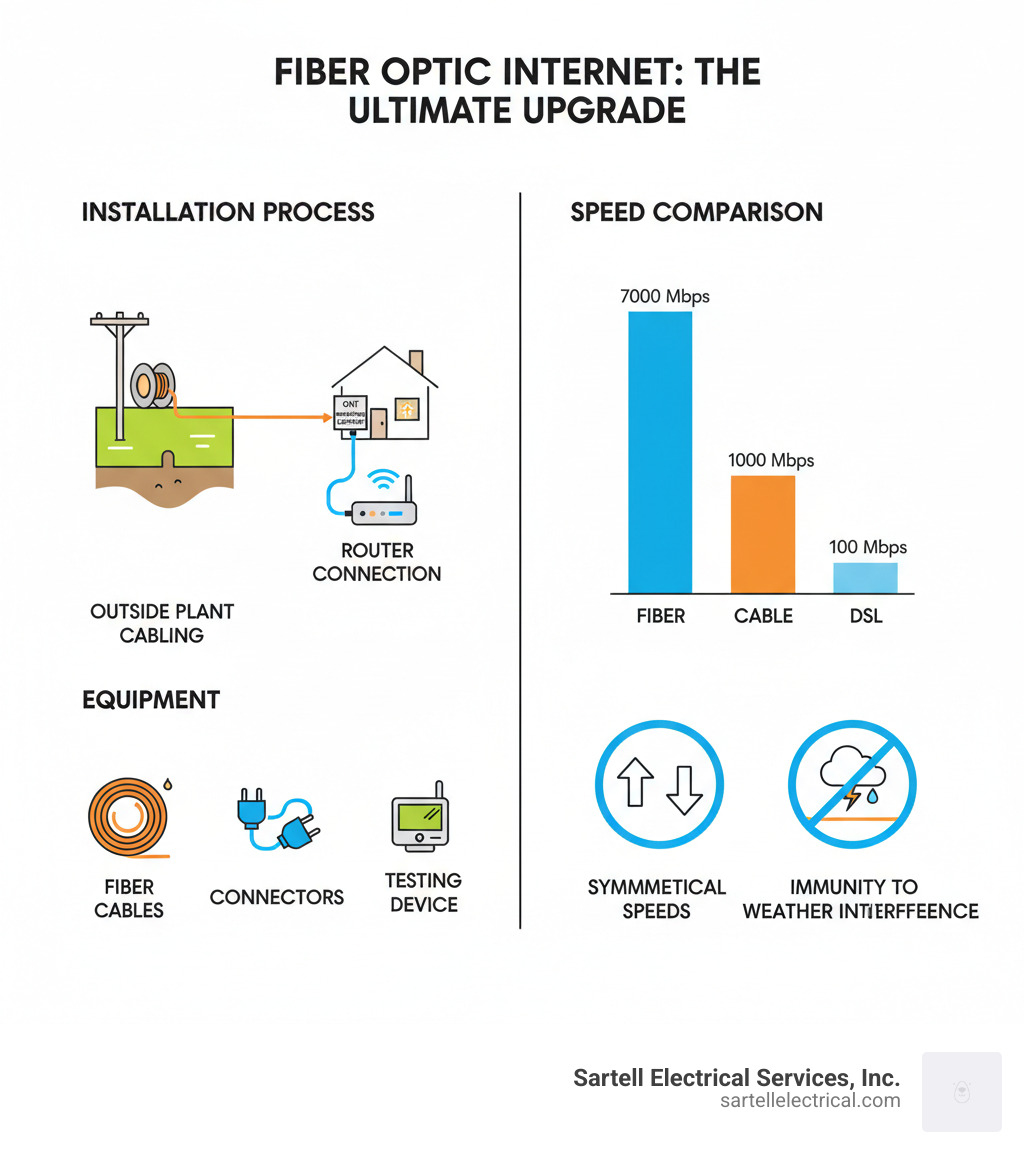
Fiber optic wiring installation brings data to your home or business over hair-thin glass or plastic strands that carry light, enabling speeds up to 7 gigabits (7000 Mbps). Compared to copper, fiber delivers higher reliability and far greater capacity when installed correctly.
A professional installation typically includes:
Fiber is immune to electromagnetic interference and supports symmetrical upload/download speeds, ideal for conferencing, cloud apps, and 4K streaming. Because fibers are delicate and easily damaged by excessive bending or pulling, professional handling and adherence to codes like the National Electrical Code (NEC) protect both performance and safety.
If buffering and dropped calls are a headache, fiber is the cure. Unlike DSL or cable that use electricity over copper, fiber optic wiring installation transmits light through glass strands, open uping dramatically faster and more stable connections.
Fiber can reach 7 gigabits (7000 Mbps) and supports many devices without slowdowns. You also get symmetrical speeds for smooth video calls, uploads, and cloud backups. Fiber is resistant to electrical interference and inherently secure, making it a future-proof choice. Sartell Electrical Services, Inc. provides expert data cabling installation services across Massachusetts to help you capture these benefits.
Not all fiber deliveries are equal. Performance improves as fiber runs closer to your space.
| Connection Type | Description | Speed Potential | Cost (relative) | Infrastructure |
|---|---|---|---|---|
| FTTH (Fiber to the Home) | Fiber runs directly to your building with no copper in between | Highest (up to 7000 Mbps) | Higher | Pure fiber optic cable end-to-end |
| FTTC (Fiber to the Curb) | Fiber to nearby cabinet, then coaxial or copper to building | High (up to 1000 Mbps) | Medium | Fiber plus short coaxial/copper run |
| FTTN (Fiber to the Neighborhood) | Fiber to central location, copper for last mile | Moderate (up to 300 Mbps) | Lower | Fiber plus longer copper connection |
Fiber optic wiring installation is the gateway to next‑generation internet, carrying data as light through ultra‑thin glass or plastic fibers at speeds up to 7 gigabits (7000 Mbps).
Unlike copper, fiber resists electromagnetic interference and offers symmetrical upload/download speeds—ideal for video conferencing, cloud computing, and streaming. Because the materials are delicate and the process precise, professional installation ensures peak performance and code compliance.
Fiber is a leap beyond copper-based DSL and cable. By transmitting light instead of electricity, it delivers greater speed, reliability, and bandwidth—often up to 7 gigabits—while remaining stable against electrical noise. Symmetrical speeds make uploads as fast as downloads, boosting video calls and backups. It’s secure and scalable, too.
At Sartell Electrical Services, Inc., our data cabling installation experience helps Massachusetts homes and businesses deploy robust, future-ready networks.
| Connection Type | Description | Speed Potential | Cost (relative) | Infrastructure |
|---|---|---|---|---|
| FTTH (Fiber to the Home) | Fiber optic cables run directly from the internet service provider’s network to your house, without requiring any copper wiring. | Highest | Higher | Pure fiber optic from source to building. |
| FTTC (Fiber to the Curb) | Fiber optic cables run to a nearby pole or curb, and then coaxial cable completes the “last mile” connection to your home. | High | Medium | Hybrid fiber-coaxial (HFC) system for the final segment. |
| FTTN (Fiber to the Neighborhood) | Fiber optic cables run to a central node in your neighborhood, and then traditional copper coaxial cables connect homes to that node. | Moderate | Lower | Fiber to a neighborhood node, then copper for the “last mile” to individual homes. |
FTTH delivers the best performance. FTTC and FTTN are faster than DSL but include copper in the last segment, which can reduce top-end speeds.
Getting ready for fiber optic wiring installation is simple and helps ensure a smooth visit. First, confirm fiber availability and select a plan that matches how you use the internet (4K streaming, gaming, home office, etc.). Appointments typically run two to three hours; complex routes or new ONT installs can take longer. Have an adult on-site to approve equipment locations and routing.
Clear paths to likely entry points, utility areas, and the preferred ONT spot. Make basements/crawl spaces accessible. The ONT needs power and should be reachable yet discreet. For expert planning and code-compliant work across Massachusetts, Sartell Electrical Services, Inc. offers comprehensive telecommunications electrical services.

Professionals use specialized tools to protect delicate fibers and ensure low-loss connections:
This thorough process confirms your fiber optic wiring installation meets performance and quality standards.
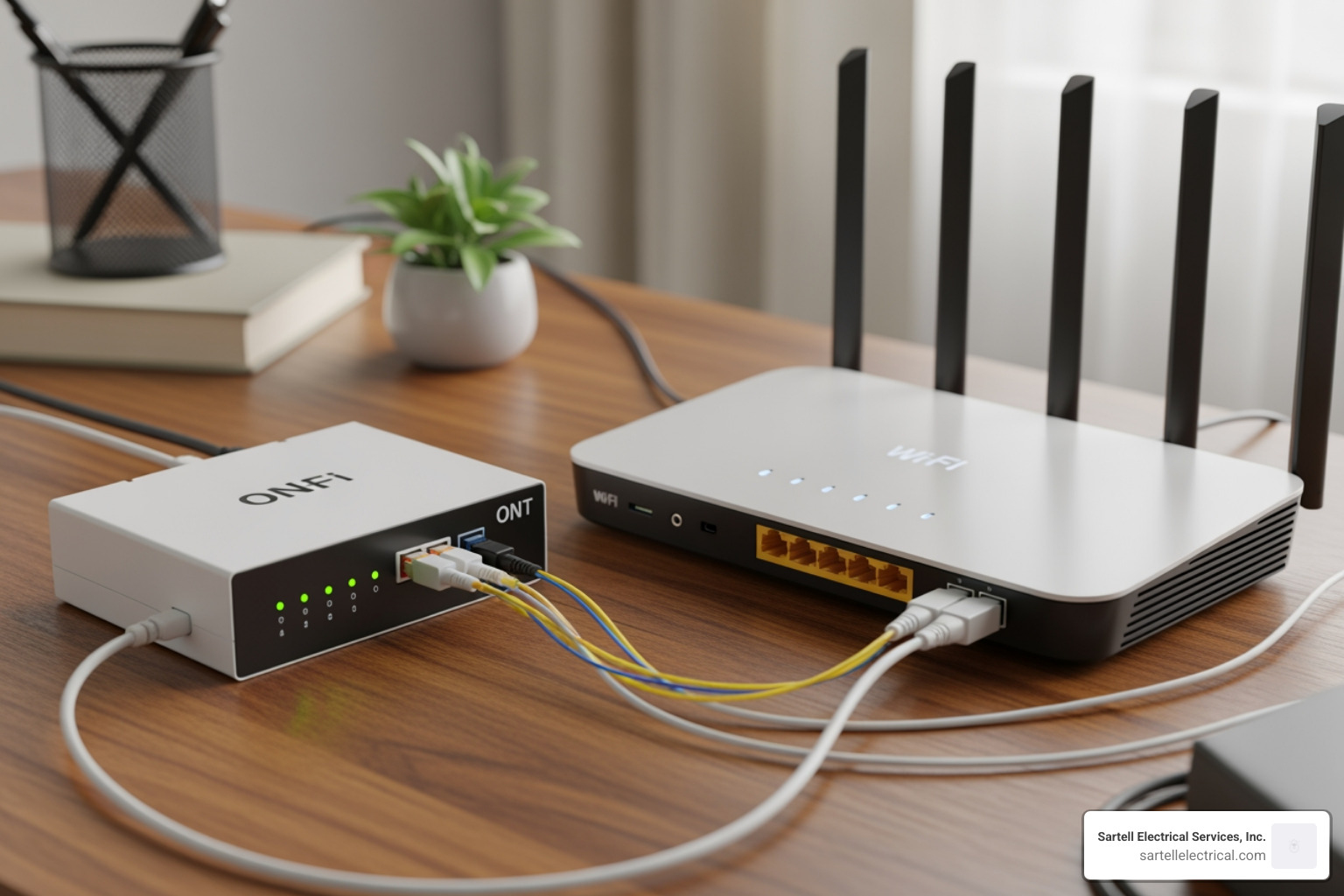
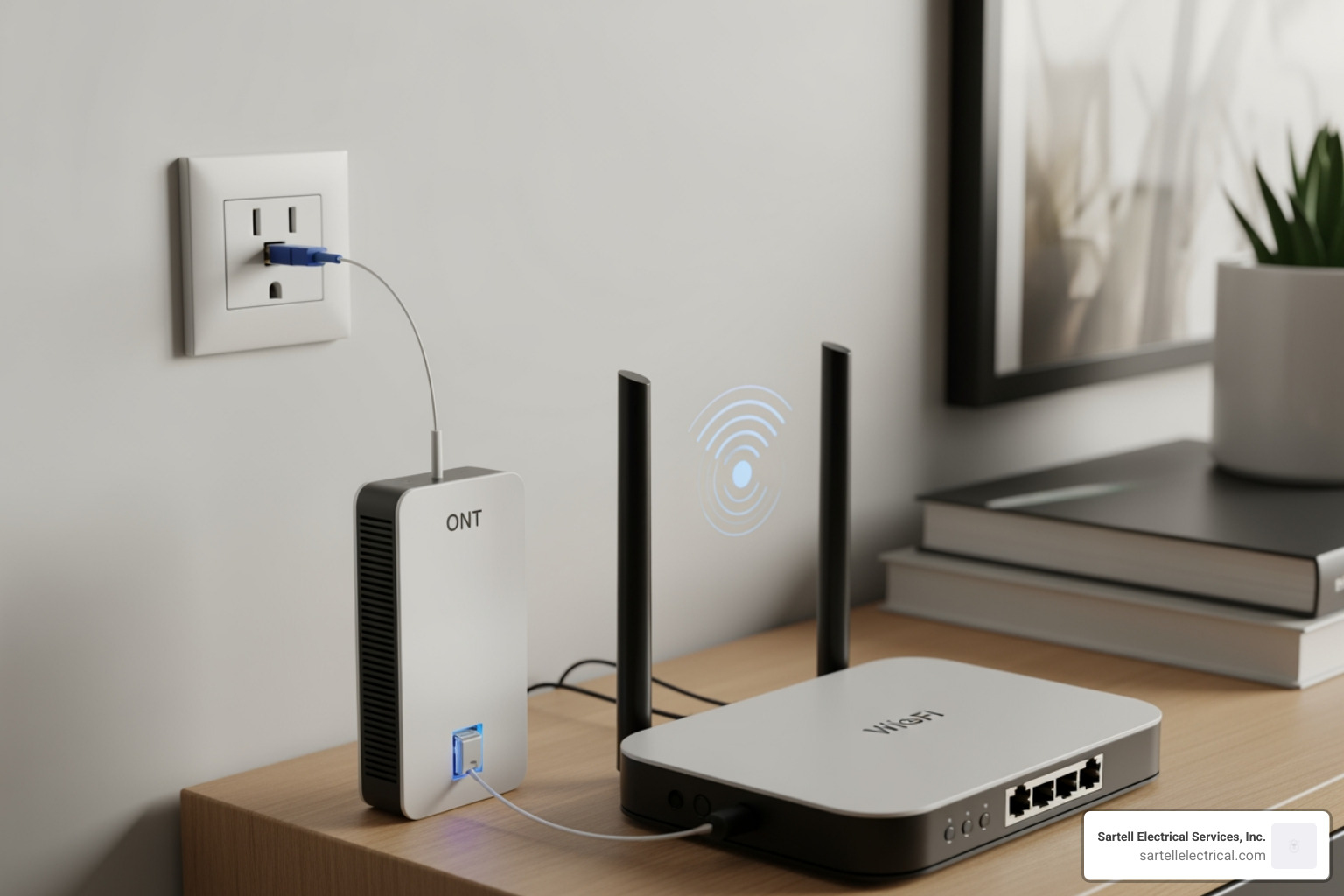
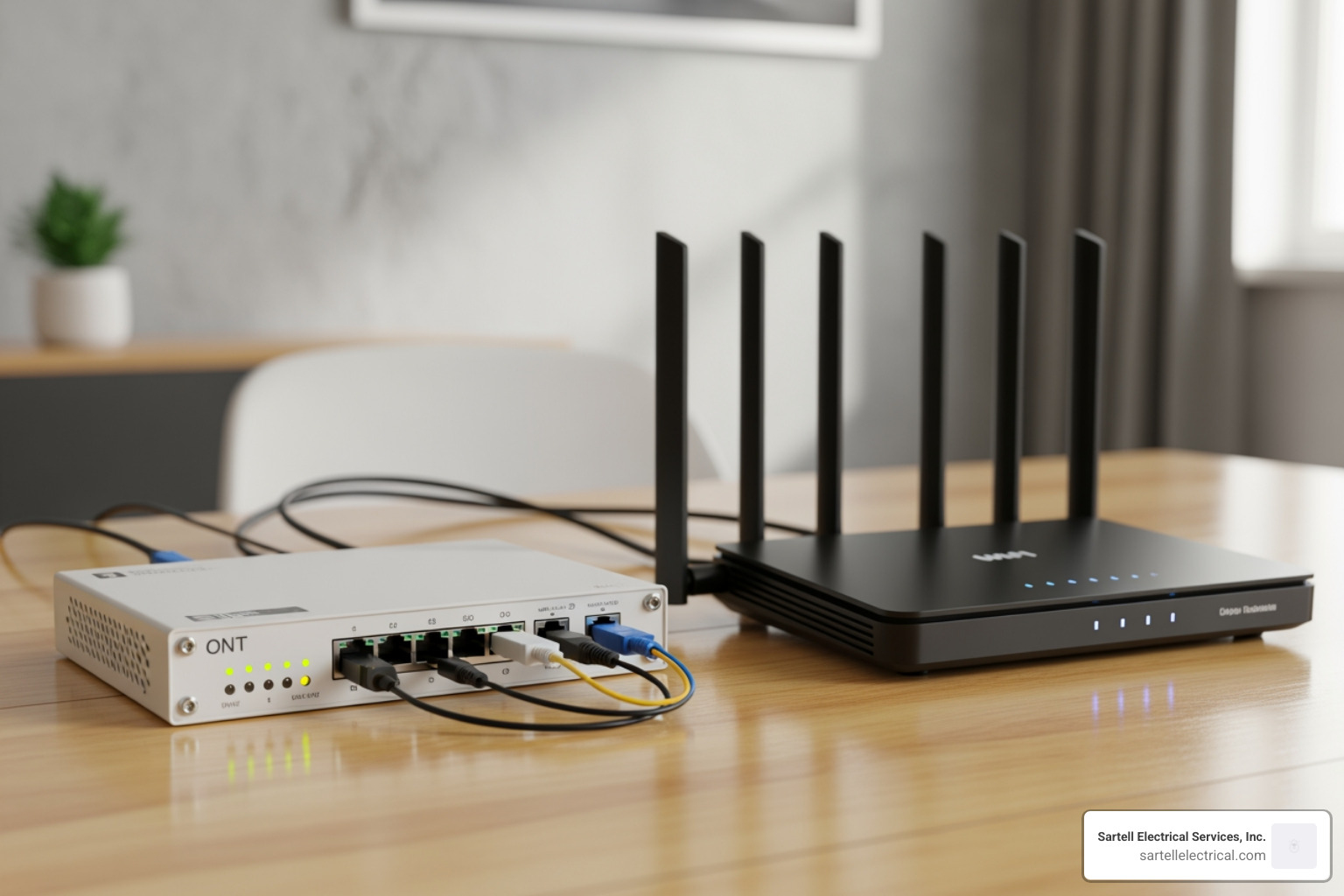
Every fiber optic wiring installation starts outside, bringing fiber from the neighborhood network to your building (Outside Plant). Depending on infrastructure, the drop may be aerial on poles or underground via conduit. Once on-site, technicians route the fiber indoors, mount and power the ONT, and connect your router to distribute service over Wi‑Fi or Ethernet.
Sartell Electrical Services, Inc. handles the full scope—from outside plant coordination to final testing and documentation—so your system is fast, safe, and ready for the future.
A safe fiber optic wiring installation starts with careful handling. Always wear PPE (safety glasses, gloves). Never look into the end of a fiber—invisible laser light can harm your eyes. Dispose of fiber shards in dedicated containers to avoid injury. Ground any metallic elements as required, and follow local codes like the NEC during aerial or indoor work near electrical systems.
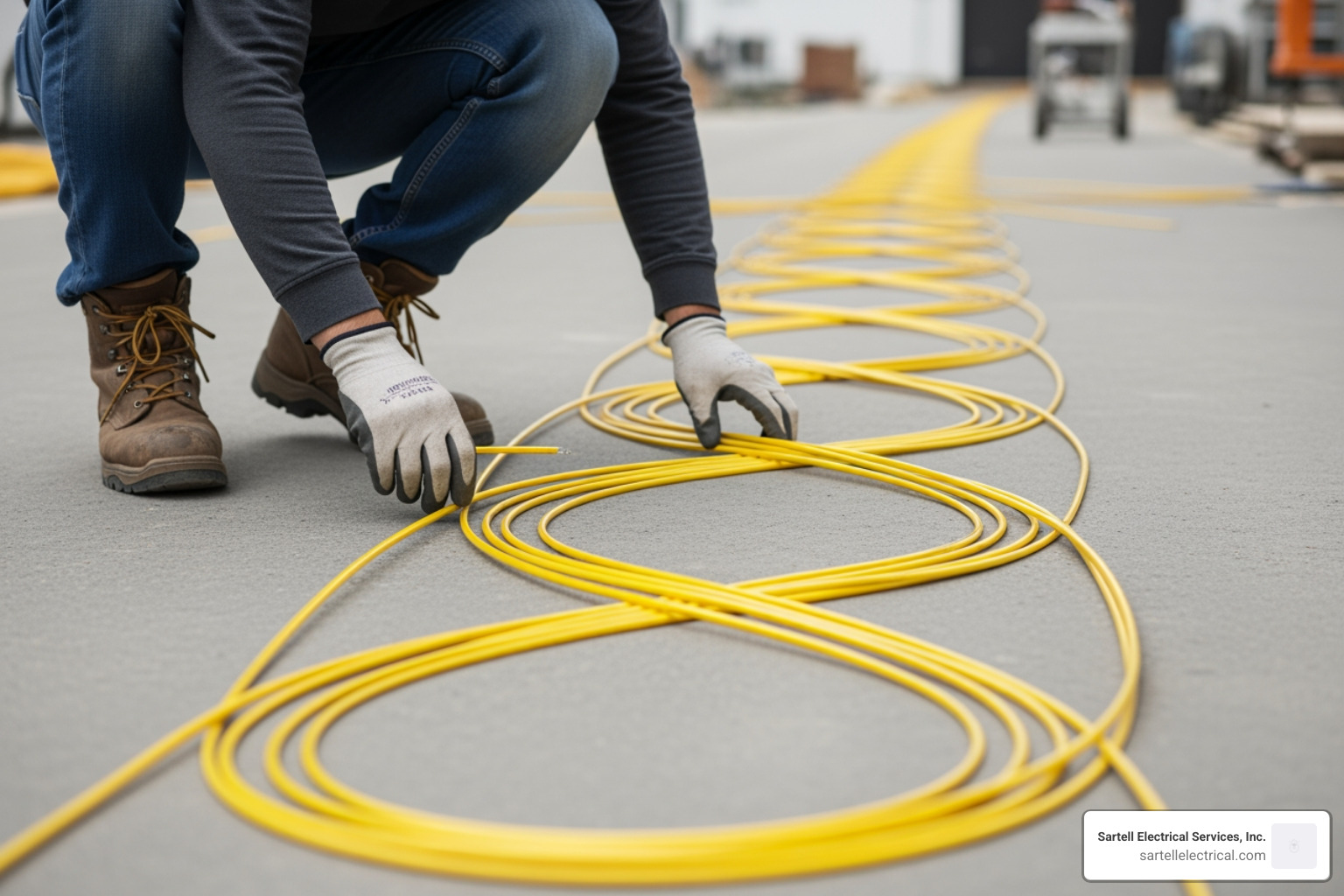
Plan for 2–6 hours depending on routing and whether a new ONT is needed. Time covers surveying, routing, equipment setup, testing, and a final walkthrough.
DIY is risky. Fiber requires precision tools (cleavers, splicers, microscopes) and training to avoid excess loss or damage. Certified pros (e.g., FOA CFOT) deliver reliable results. Consider professional telecommunications electrical services for long-term performance.
Often we use existing entry points. If drilling is necessary, it’s a small, discreet hole that’s sealed and finished with a wall plate for a clean look.
Fiber optic wiring installation delivers fast, stable, and secure connectivity—with symmetrical speeds and resistance to interference—making it ideal for streaming, video calls, and cloud workloads. Achieving those benefits depends on expert design, careful routing, clean terminations, and thorough testing.
Shortcuts lead to loss and reliability issues. Sartell Electrical Services, Inc. brings decades of experience, code compliance, and TIA‑aligned practices to every project across Massachusetts—so your network performs from day one and scales for years.
Ready to upgrade? Contact a professional electrician for your telecommunications needs and let’s bring fiber performance to your doorstep.
236 Ash St Reading, MA 01867
(By Appointment Only)
